A stream of user-generated activity, completed sessions, achievements, milestones, visible to followers or the community.
Best for
SocializerCompetitor
Context
ActivationRetentionReferral
Motivation drivers
RelatednessCompetencePurpose
How it works
The feed converts private behaviour into social currency
For the Socializer, the feed is the reason to open the app beyond the core loop. Strava's feed integrates kudos, photos, achievements, and challenge completions into a coherent activity stream. The mechanic works best when the feed surfaces personally relevant content, activity from people the user knows.
Core principle
The feed converts private behaviour into social currency. A personal session becomes visible progress in a shared space.
Watch out for
Social feeds require a minimum viable social graph to function. A user with no followers sees an empty feed, which accelerates churn. Seed the social graph during onboarding.
Structural variants
Four ways to build it
01
Activity feed
02
Achievement feed
03
Global community feed
04
Friend-only feed
Lifecycle placement
Grows in value as the social graph expands. Low value days 1–7; high value from day 30+.
Case studies · 3
Seen in the wild
Insight TimerWellness
How they use it
Insight Timer's social layer surfaces group activity, teacher posts, and a community gratitude wall. The real-time engagement counter, '594,622 people here today', is visible without navigating to any specific section. Live events appear with attendee counts and scheduled times. Teacher profiles list follower counts, published tracks, and courses. Following a teacher routes their new content into the home screen recommendations.
Why it works
The real-time counter frames the app as a live communal space, 594,622 people here today communicates simultaneous presence that converts the solo meditation experience into a shared one without requiring any social interaction.
The detail
The social layer is distributed across the primary home tab (recommendations from followed teachers), the library (browseable by teacher), and the sidebar (groups, retreats). The real-time counter is on the home screen.
Takeaway
The real-time counter converts the solo meditation app into a perceived communal space without requiring social interaction.
screenshot
Home screen mid-scroll showing the "594,622 people here today — 21,416 right now" community counter and the Gratitude Wall with user posts
The Discover tab contains a For You feed of photos and videos created by other users, each with a Try button that opens the specific editing tool or AI feature that created the visible effect. Tapping Try launches that tool ready for the user to apply to their own photo, a direct conversion from content consumption to tool usage in a single tap. The Explore section curates content by type, and Spaces each have their own content feed visible to members.
Why it works
The Try button converts passive browsing into active tool engagement using the feed's own content as real-time product demonstrations. A user who sees an appealing AI-generated background can start creating their own with one tap, without navigating to a tool catalogue. The feed functions simultaneously as inspiration and as a product tour.
The detail
Every post in the For You feed has a Try button beneath it, alongside the heart count and comment count. Some posts show before-and-after preview toggles. Following a creator or joining a space both route their activity into the main feed. Creator profiles are accessible from feed posts, challenge submissions, and space member lists.
Takeaway
Every feed post has a Try button that opens the specific tool, filter, or AI feature used to create that visible effect, a single-tap path from content discovery to feature usage.
screenshot
For You feed showing two posts with creator profile, creation thumbnail, heart/comment counts, and the "Try" button beneath each — with "before and after" toggle visible on one item
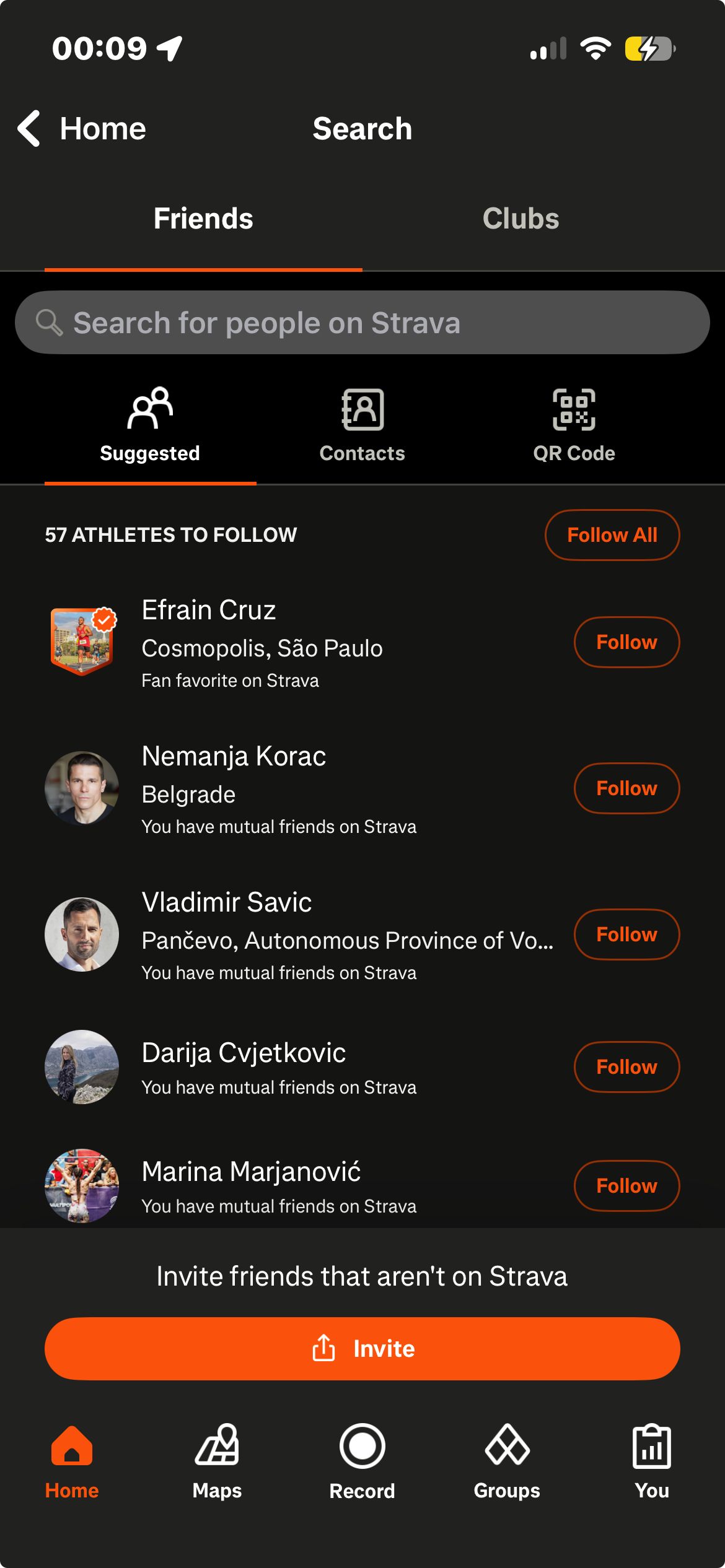
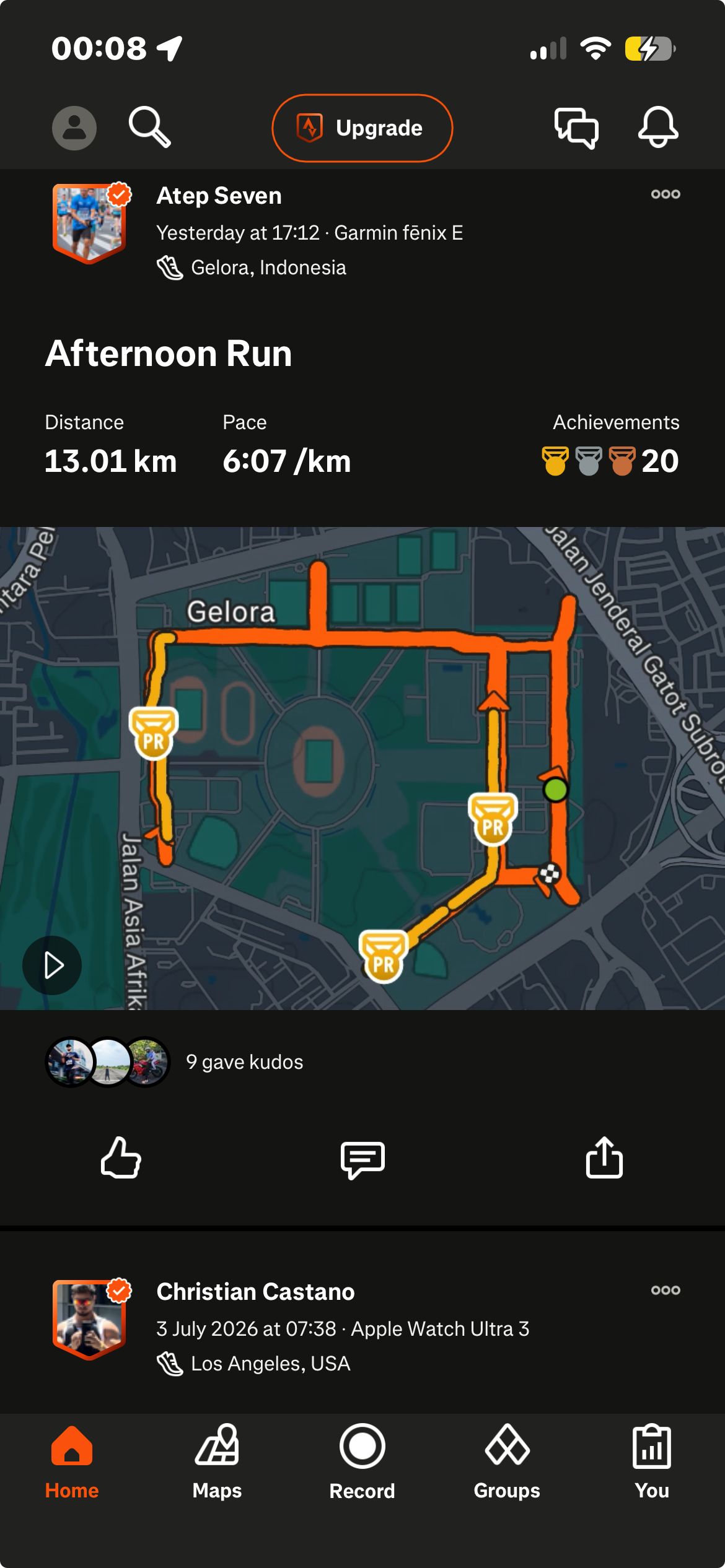
Strava builds its feed out of recorded activities rather than written posts, so items appear without anyone composing them. Each item carries the user, the activity data, and any media attached to it. One item we saw showed a ride of almost 34 km with its route, elevation gain, time, and photos, and another carried a video. Every item can take kudos, a one tap reaction, or a comment, and shows how many of each it has already collected along with how many achievements the user holds. The top of the feed is given to recommended users the viewer does not yet follow. Activities can also be kept out of it, since the visibility controls include not publishing to the home or club feed.
Why it works
Generating items from recorded activity removes the step where a user decides what to post. The activity is the content, and it is complete before sharing is considered, with route, distance, elevation, time, and media already attached. Kudos is a one tap reaction, a lighter form of response than writing a comment, and both counts sit on every item. Placing recommended users above the followed activity means an account that follows nobody still opens to a populated stream.
The detail
The feed occupies the lower portion of the home dashboard as one vertically scrolling stream, mixing recommended users with activities from those the viewer follows and from other users. Each item shows the user, the activity data, any photos or video, and the counts of kudos and comments it has received.
Takeaway
Strava builds feed items automatically from recorded activities, so the feed fills without anyone composing a post.
Each week we add three fresh breakdowns of how successful apps implement game mechanics. Get the most interesting mechanics from each, straight into your inbox.